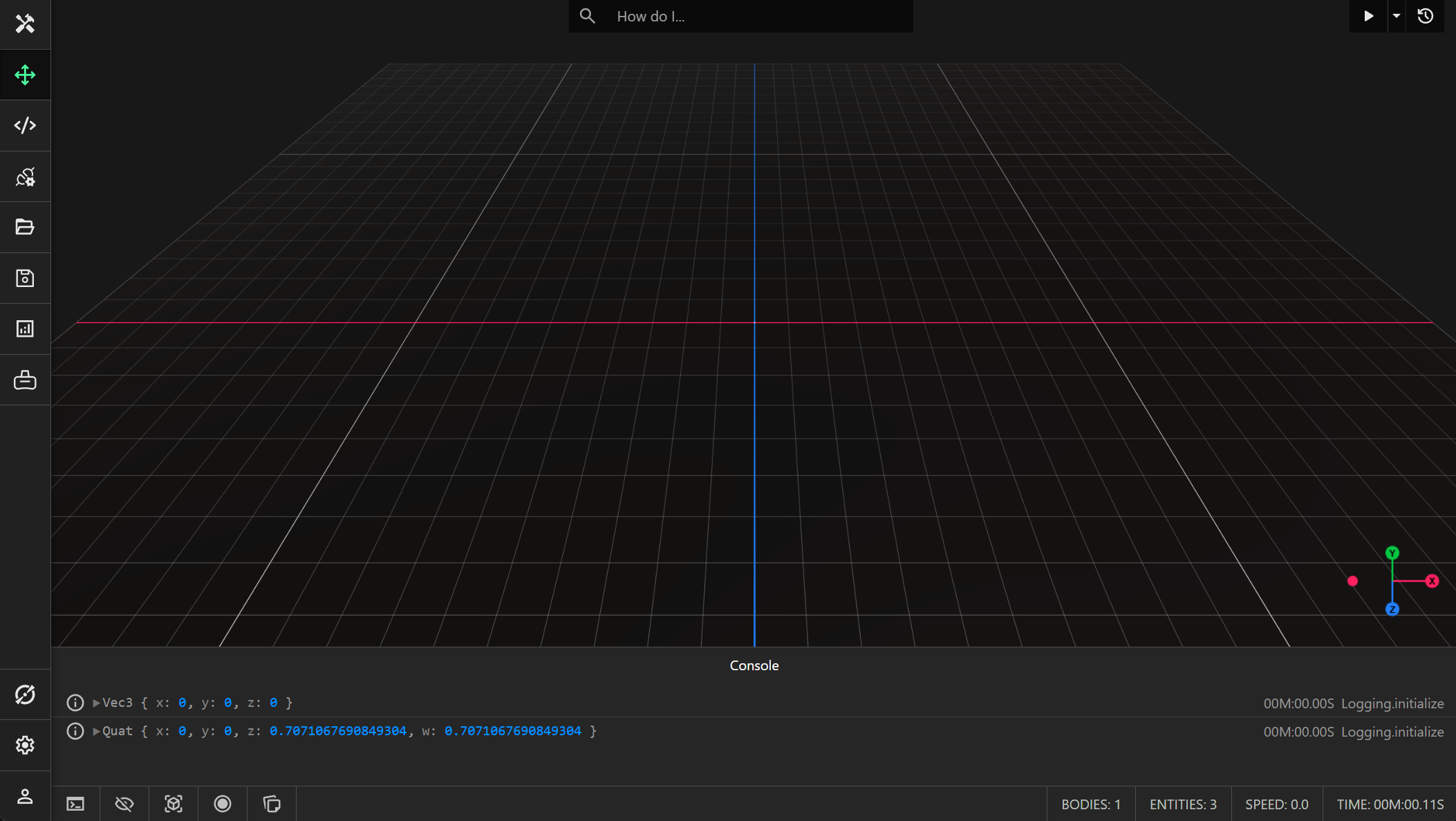
Console
The console may be opened or closed by clicking the button at the bottom left of the infobar under the viewport. You can log messages and display errors, most commonly from scripted components, but sometimes internally.
Logging Messages
You can output a message to the console by calling the console.log() method:
console.log("Hello World!");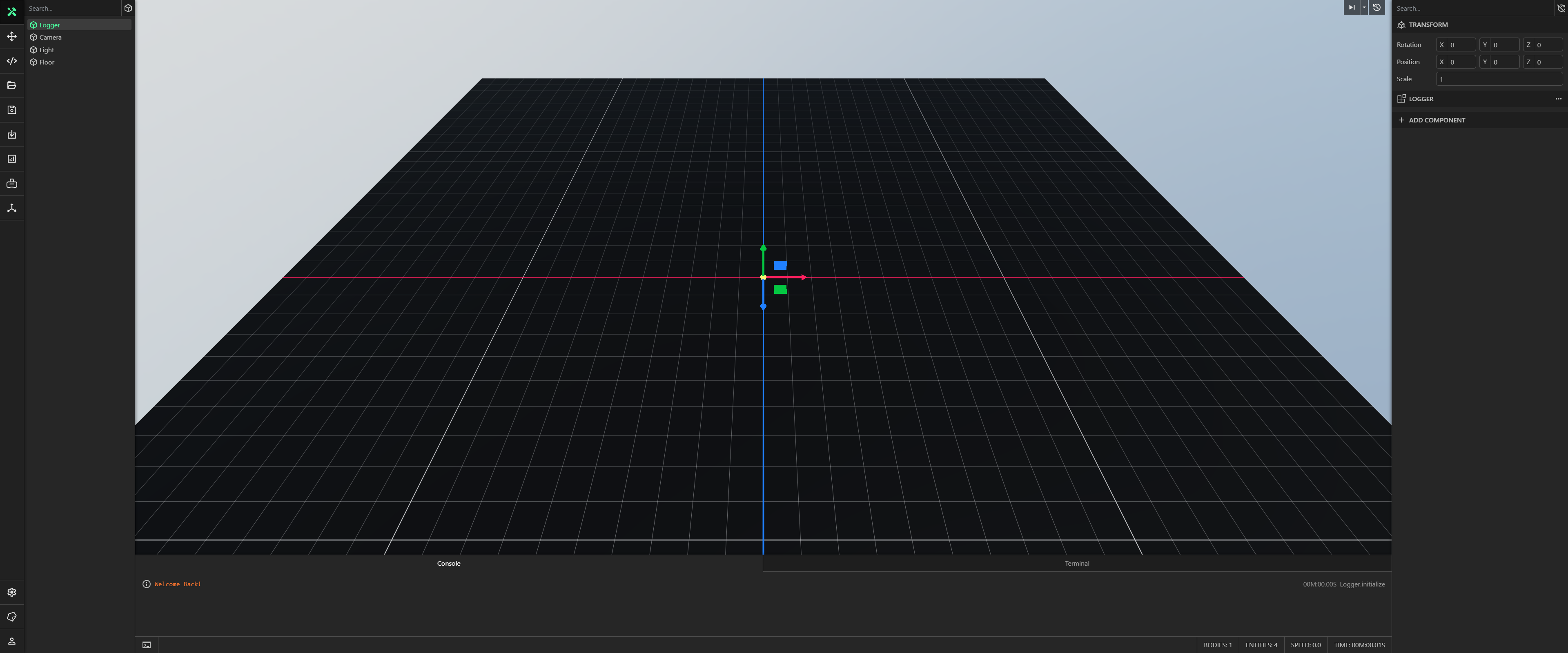
Logging Errors
You can output an error message to the console by calling the console.error() method:
console.error("Invalid Operation");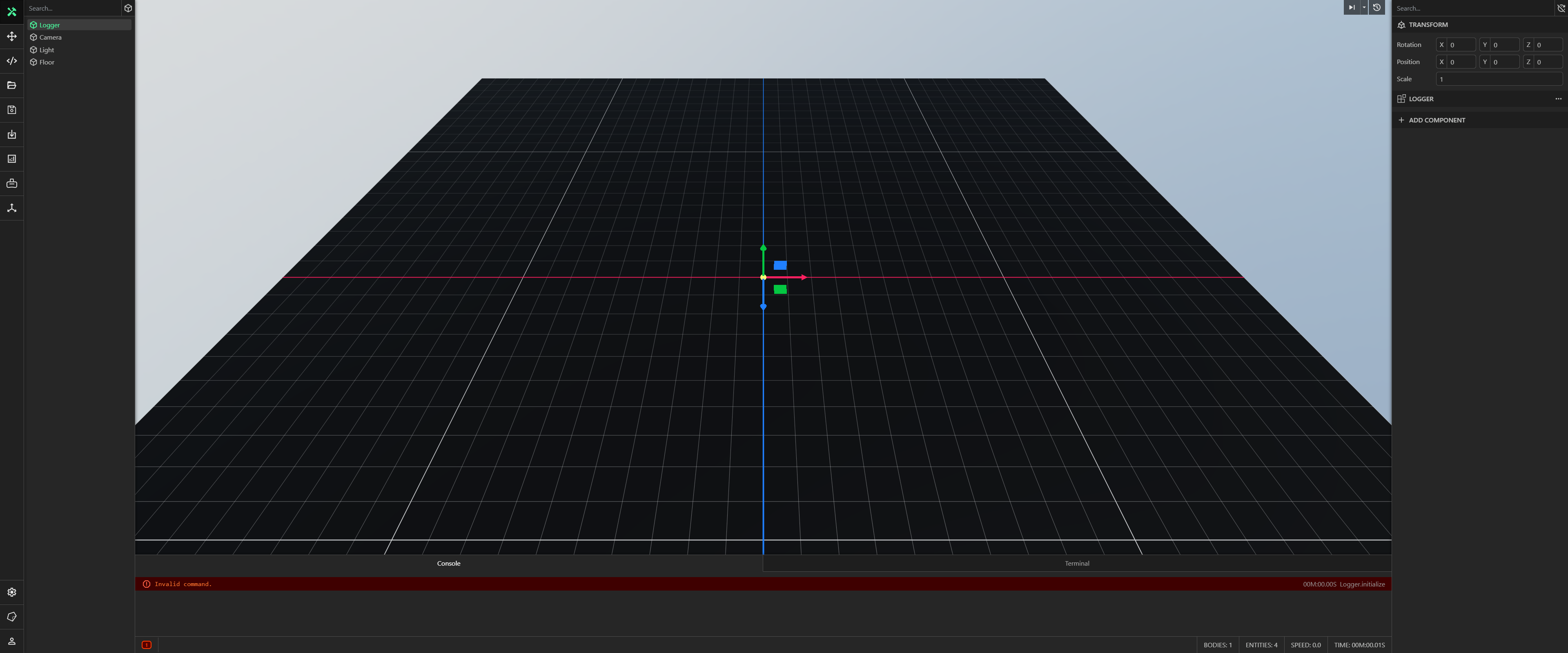
You can drag the top of the window to expand the developer console. This will consequently make the height of the viewport smaller. You can also log objects to the console:
console.log(this.entity.position); // Vec3 class
console.log(this.entity.rotation); // Quat class