Push Button
The push button component implements a digital push button. For more details on all properties associated with the push button component and how to use the push button component with scripting, please see the API documentation.
The state of the push button can be toggled by clicking on the graphics mesh of the attached entity, but you must be in navigate mode. The direction and distance properties specify how the button should move when pressed. The push button will move in the specified direction by the specified distance, when the state is set to true. The push button entity will move back to its original position when the state is set to false.
Properties
The push button component properties that are accessible through the inspector.
Type
The push button type is one of the following values:
- Toggle: The state of the push button is toggled when the push button is pressed.
- Momentary: The state of the push button is set to
truewhen the push button is held down, then set tofalseonce the push button is released.
Direction
The direction the push button entity should move.
Distance
The distance the push button entity should move.
State
Whether the push button is active.
IO
The IO signals for the push button component. Please see the PushButtonIO API documentation for more details.
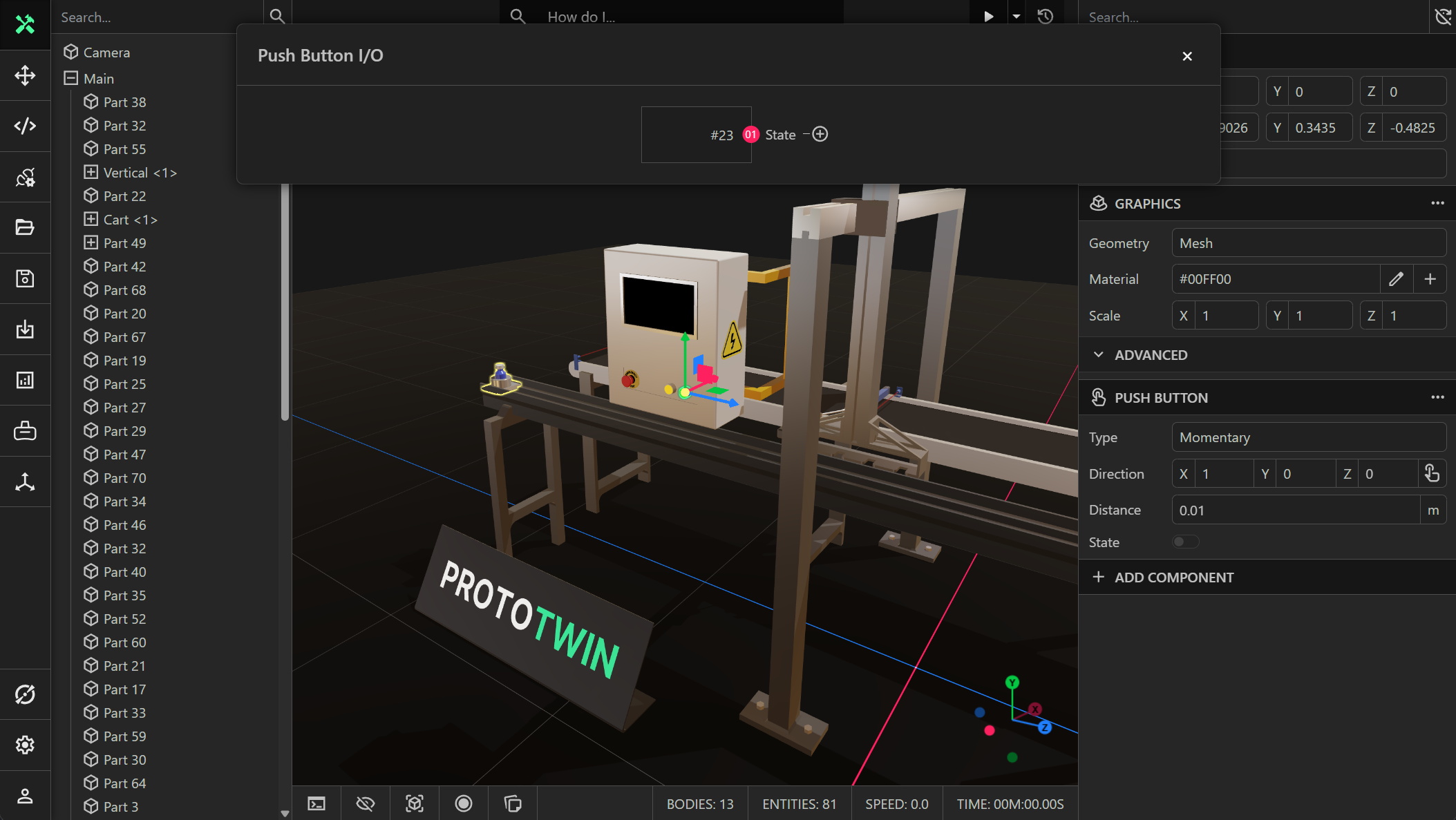
State
A boolean readable (output) signal that has the value true if the push button is pressed, and false otherwise.