Sensor
The sensor component detects the presence of an entity. For more details on all properties associated with the sensor component and how to use the sensor component with scripting, please see the API documentation. Note that only the first entity that intersects the detection geometry is detected by the sensor.
Properties
The sensor component properties that are accessible through the inspector.
Geometry
The detection geometry is one of the following values:
- Bounding Sphere: A bounding sphere around the entity and its descendants.
- Bounding Box: A bounding box around the entity and its descendants.
Object
The detected entity, or null if no entity is detected.
Layer
The collision layer for detecting entities. Entities with layers that are set to collide with this layer will be detected by the sensor. Otherwise, the entity will not be detected by the sensor. If no layer is specified, then every entity that intersects the detection geometry is detected by the sensor.
Kinematics
Whether entities with kinematic rigid bodies should be detected.
Blocked
The graphics material used when the sensor is blocked, or null to keep using the material specified by the graphics component.
Cleared
The graphics material used when the sensor is cleared, or null to keep using the material specified by the graphics component.
IO
The IO signals for the sensor component. Please see the SensorIO API documentation for more details.
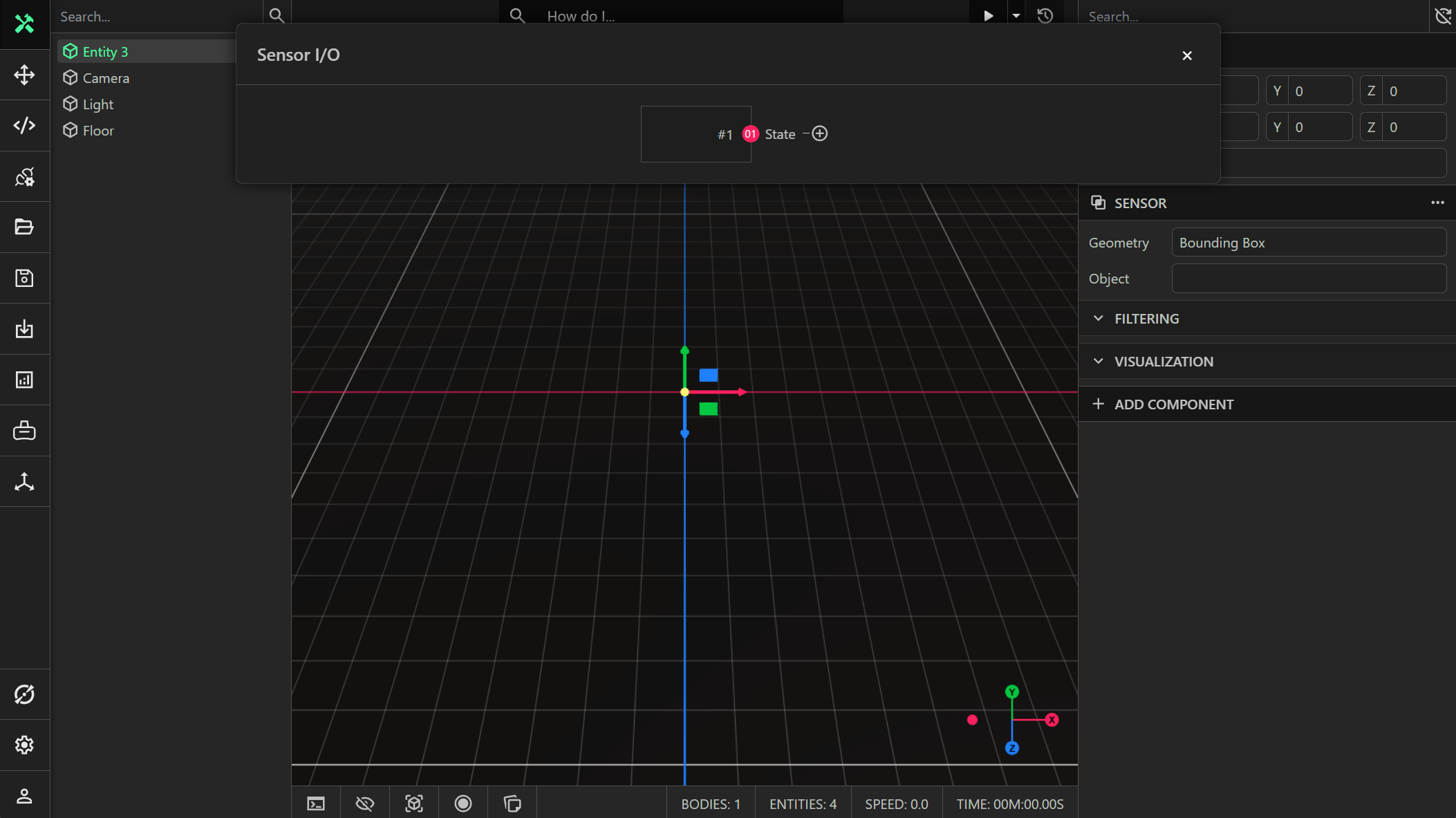
State
A boolean readable (output) signal that has the value true if the sensor is blocked, and false if the sensor is cleared.